
How-To
How to Install an eSIM on Samsung
Travelesim Editorial6 min read
Galaxy install tips, where menus hide, and how to confirm your exact model actually supports eSIM.
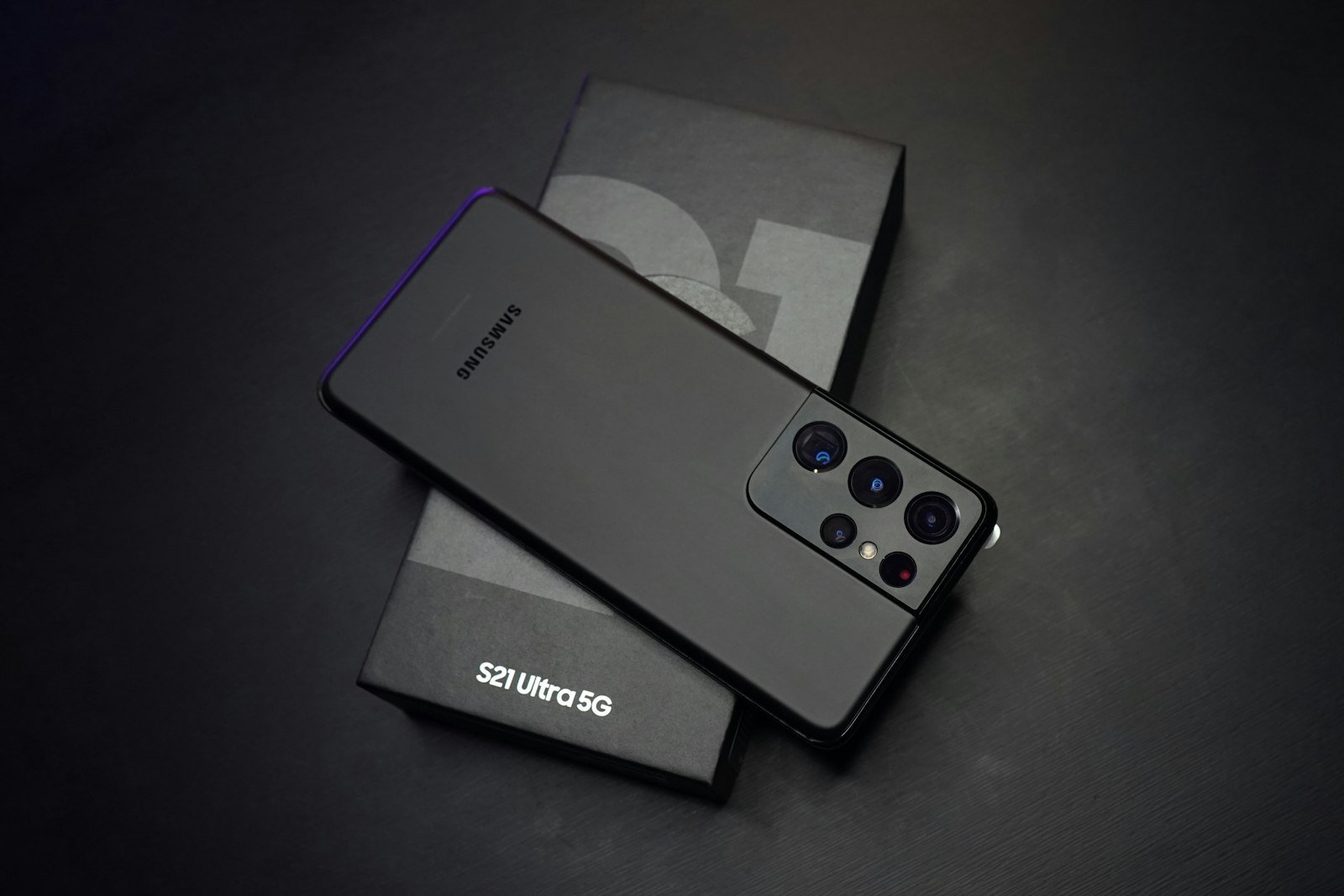
Samsung menus differ by model and One UI version, but the idea is the same: add a mobile plan via QR or carrier app, then choose which SIM handles data.
Compatibility first
Not every Galaxy sold worldwide supports eSIM. Check Samsung’s specs for your exact model number before you rely on an eSIM for a critical trip.
Install tips
- Use Wi‑Fi for the download of the eSIM profile
- Follow the provider’s Samsung-specific instructions when provided
- Set the travel plan as the preferred data SIM after landing
- Disable data roaming on your home SIM if you keep it inserted
If the QR camera will not read the code, ask the provider for a manual activation code path. Do not screenshot-blur a QR into unreadability and then blame the phone.